
A clearer day in a few simple steps.
You don't need a complicated system to get organised. Touchin Grass starts with your day and helps you build a clearer picture of the time available.
- 1
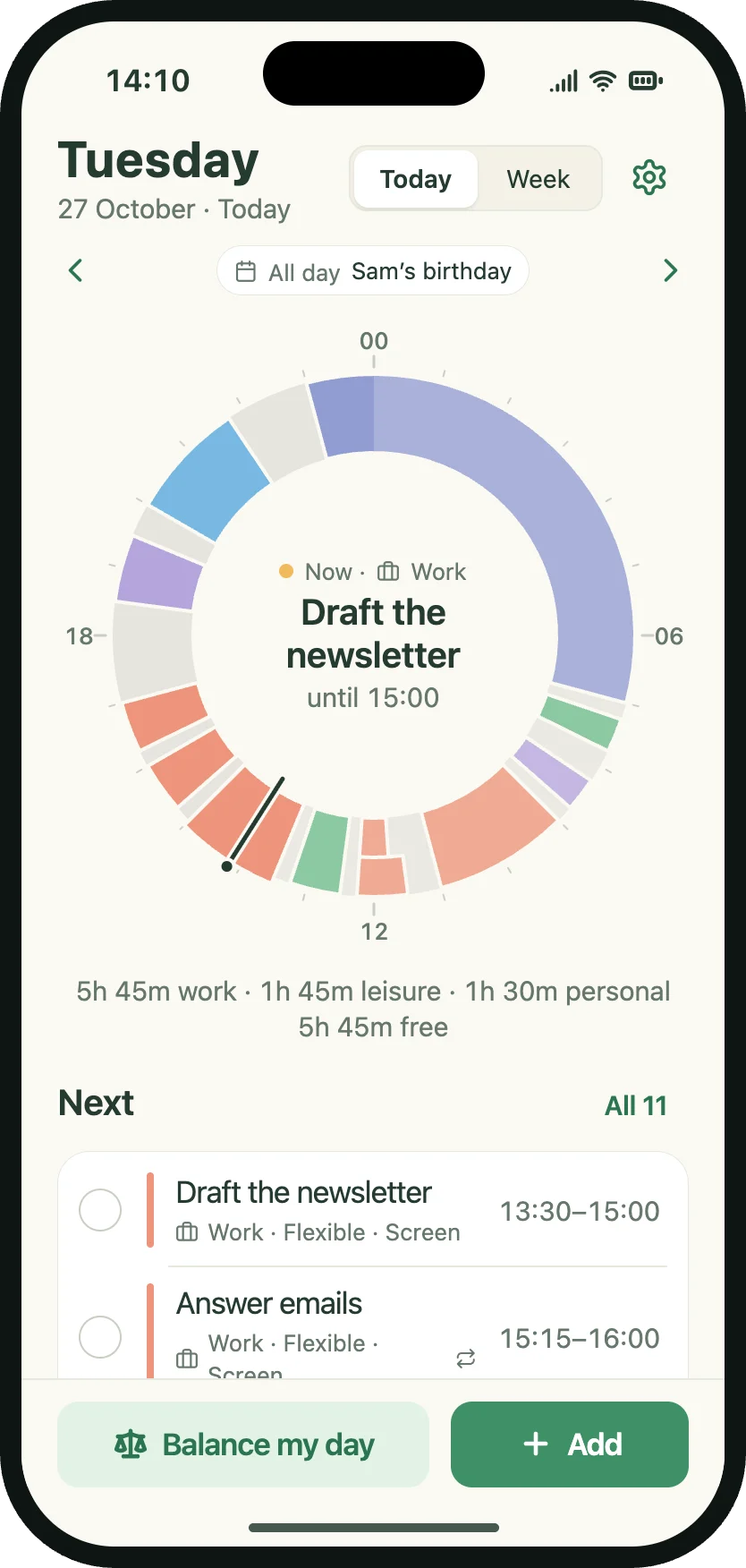
Start with today
Open Touchin Grass and see your day laid out on the 24-hour wheel. The visual layout makes it easy to understand your existing plan and available time.
- 2
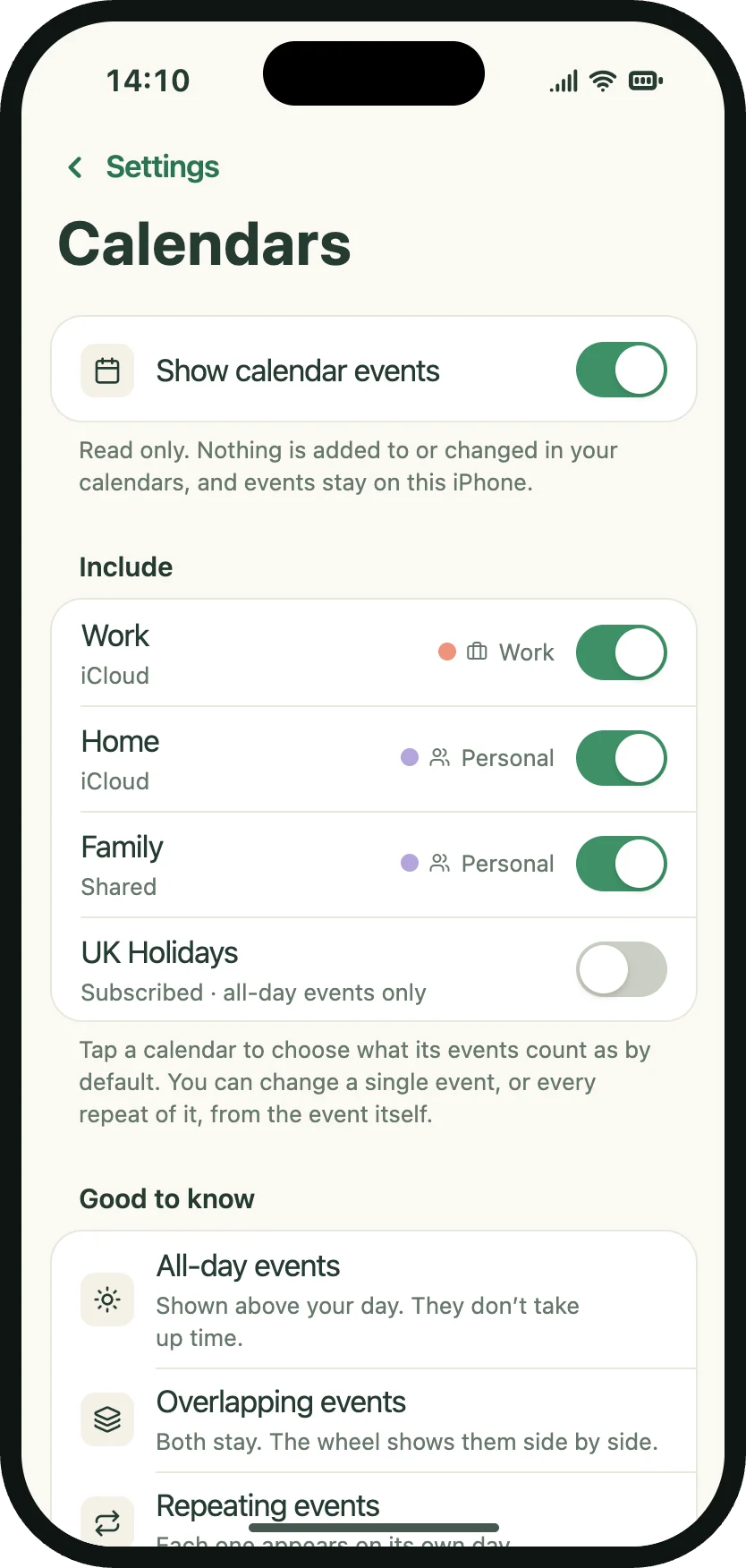
Bring in your calendar
If you use Apple Calendar, choose which calendars you'd like Touchin Grass to read. Your existing events can then appear within your planning views.
This step is optional.
- 3
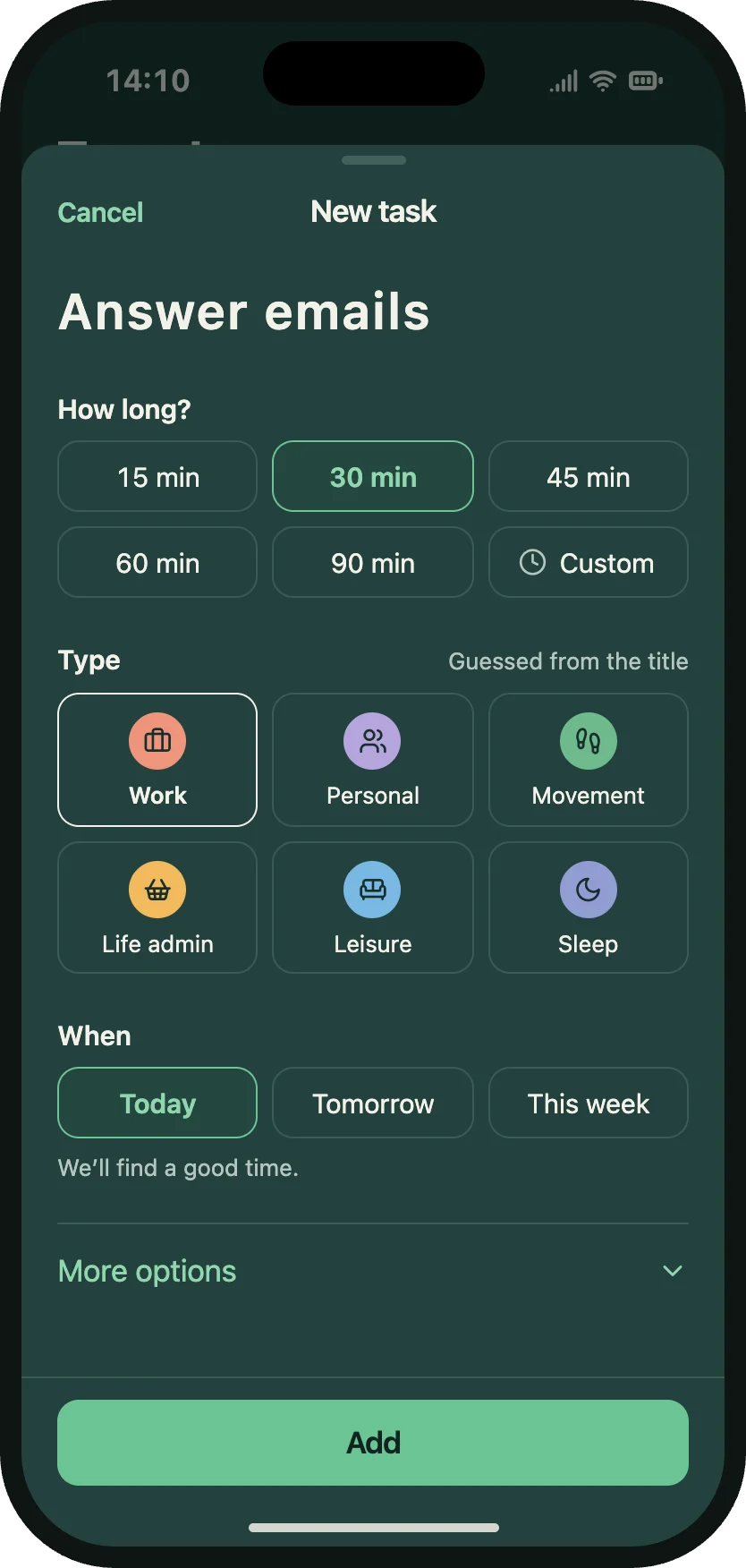
Add what matters
Use Quick Add to include activities, tasks and personal commitments. See how they fit around the time that's already accounted for.
- 4
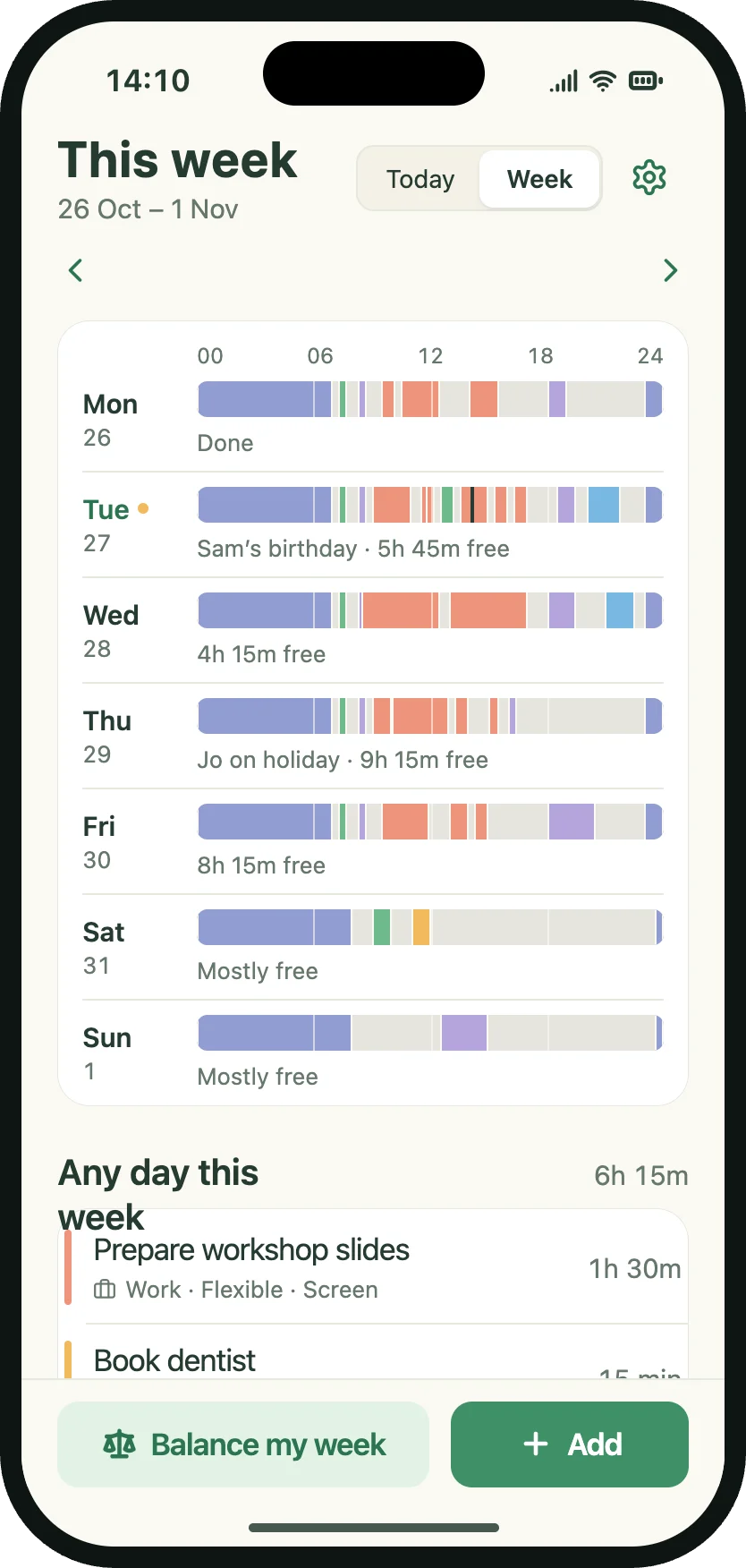
Look ahead
Switch to the weekly view to understand what's coming up. Plan activities around existing commitments instead of treating every day as an empty calendar.
- 5
Check your balance
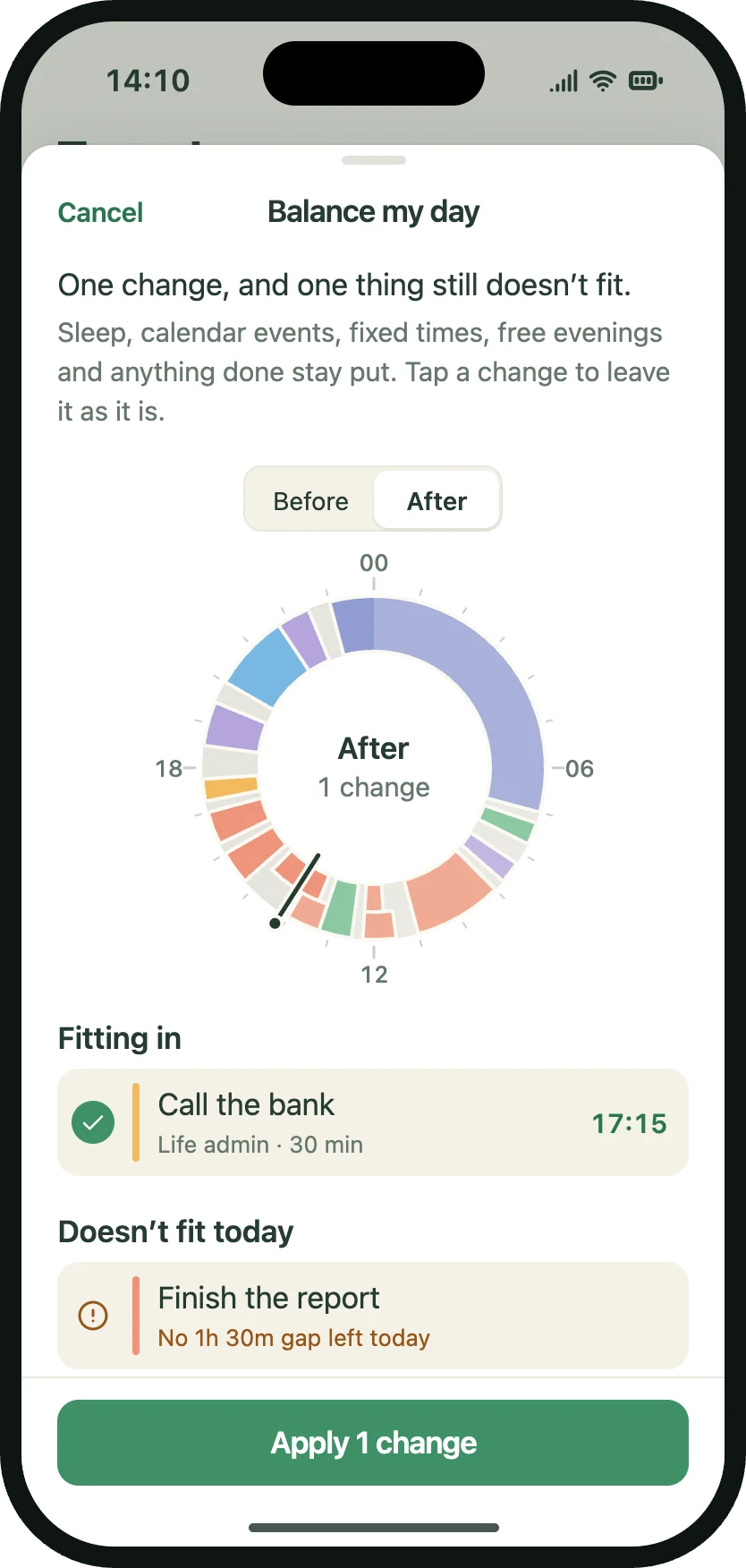
Look at how your time is allocated and whether you're making room for what matters beyond work and responsibilities.
That's it.
Make a plan, get on with your day and remember there's a world outside your schedule.
Coming to iPhoneOne-time purchase. No subscription.